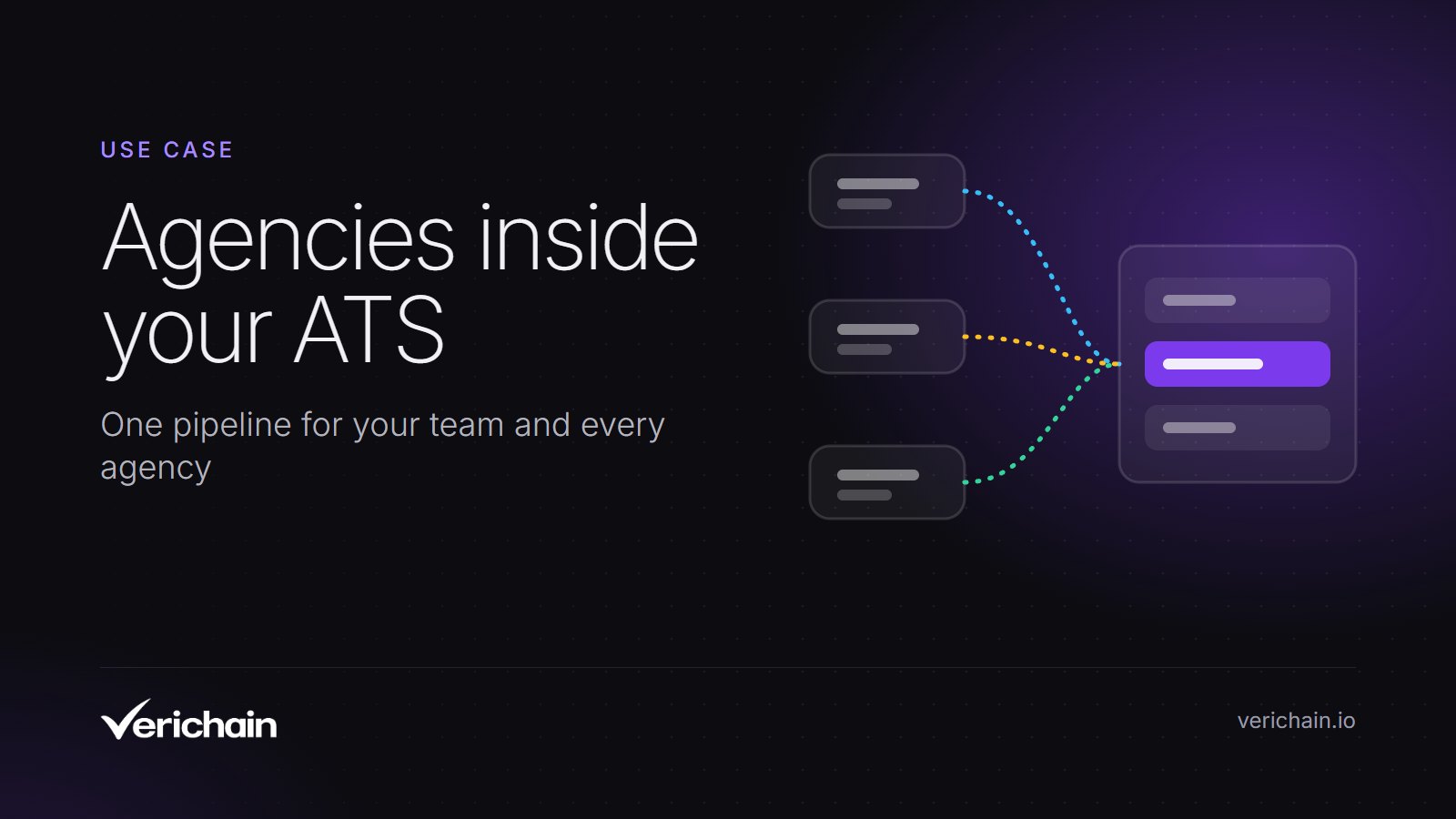
Verichain is an applicant tracking system where your recruitment agencies submit candidates straight into your roles, so agency candidates land in the same pipeline as your direct applicants. You invite each agency, choose which roles it works, and both sides see the same stage as it changes, without CVs passing through anyone's inbox.
This page explains the problem it solves, how it works step by step, and who should look elsewhere.
The problem, as hiring teams describe it
You have three or four agencies on a busy role. Each one emails CVs in its own format. Someone on your team saves them, renames them and types the details into your ATS, or leaves them in a shared mailbox and hopes nobody misses one.
Then the questions start. Agencies ask for feedback and you reply one email at a time. The same candidate arrives from two agencies a week apart and nobody can say who sent them first. A hiring manager asks how many people are at interview stage and the honest answer needs a spreadsheet.
At the end of the quarter you want to know which agency brings people who get hired. That figure lives in nobody's system, because half the process happened in email.
The fix is simple to describe: give the agencies a door into your pipeline, so every submission arrives as a record you can search, move and count.
How it works
1. Connect your agencies
Admins, and colleagues given the Agency relationships permission, add agencies under Settings, then Agencies. You can enter an agency's invite code or invite them by email. If the agency already uses Verichain, the request waits until they accept. If not, they get an email inviting them to join.
Agencies can also ask to connect with you using your code, and you accept or reject the request. To stop working with an agency, you disconnect it. It can no longer submit to your roles, and you can reconnect later.
2. Open a role and choose who works it
When you add a job, you set Agencies to All, which opens it to every connected agency, or Choose, which lets you pick specific ones. Agencies you pick are asked to accept or decline the role, and a decline comes with a reason you can read.
The role also carries your interview stages, so the rounds are named before the first candidate arrives.
3. Set the questions every agency must answer
Admins can set agency screening questions that apply to every candidate an agency submits. A question can be set to appear only after a particular answer, for example asking which visa a candidate holds once the agency says they need one. Required questions must be answered before the submission goes through.
If you want it, an admin can switch on Interview Availability, so agencies add the times a candidate is free when they submit. The scheduler then shows those slots when you book the interview.
4. Agencies submit into the role
On their side, an agency adds candidates to your role and works them privately at a Sourcing stage. You do not see those candidates. When the agency submits someone, they move into your pipeline:
- The candidate appears on the role in New Application, with the agency's name under the date.
- Your colleagues on the role are notified.
- You get the profile, the CV, the answers to your questions and any interview times offered.
- The agency's own submission note stays with the agency.
5. Review everyone in one list
Agency submissions and direct applicants sit side by side. Each row shows who sent the candidate: an agency's name, or Direct Application. On the Candidates page, an Agency tab shows agency submissions on their own.
Opening a candidate shows their profile, CV, screening answers, interviews and every role they are on. A short AI summary gives you a starting point for your own read. With AI scoring, which our pricing page lists on the Elite plan, each application is also scored against the role and placed in a tier from 1 to 4 with written reasons. You see the tier, never a raw score. The AI never recommends hire or no-hire and never rejects anyone. More on that on our Hiring Intelligence page.
6. Move stages, book interviews, make offers
Your team moves candidates through the stages. The agency sees the stage on its side but cannot change it. The agency is told when its candidate moves to interview, offer, onboarding or hired, and when they are rejected or withdrawn.
When you book an interview, Verichain sends the calendar invitations and can create the Microsoft Teams meeting for you, without you connecting your own Microsoft account. The agency is told the time. At offer stage, the terms go to an approver before anything happens, and you can ask the agency to fill in the onboarding details it holds. If your organisation has connected BambooHR, onboarding the hire can create them as an employee there.
7. Keep notes where they belong
- Notes an agency writes are never shown to you.
- Notes your team writes stay inside your team by default.
- If you switch note sharing on for your organisation, the agency working a role can read your team's notes on its own candidates and on the role.
- The note box tells you who will see a note before you write it. Candidates never see notes.
8. See which agencies deliver
Because every submission is a record, you can count it. Every candidate shows which agency sent them, or Direct Application, and the Agency tab lists agency submissions on their own. Reports show median time to hire, how far candidates get through your stages and where candidates come from, and you can download the figures as Excel or CSV files. Tracked links also show which job boards and posts bring in direct applicants.
What the candidate sees
Candidates use Verichain free. An agency can invite a candidate to create an account, and once they have one they can follow each application through the same five steps: Applied, Interviewing, Final, Offer and Hired. That cuts down the "any news?" emails that otherwise land on the agency, and then on you.
Who it is not for
Verichain fits companies that work with several agencies and want them inside one pipeline. It is a poor fit if any of these apply:
- You need single sign-on today. Verichain does not offer SSO.
- You want email and calendar sync with Outlook or Gmail. Verichain sends invitations with a calendar entry attached, but it does not sync your inbox or calendar.
- You post to dozens of job boards from one screen. Verichain has its own job board, lists roles on Google for Jobs and gives you tracked links to paste elsewhere. It does not multipost.
- Your agencies will only ever email CVs. The value comes from agencies working inside the system. If they refuse, someone on your team still re-keys their CVs.
- You hire with one or two people. Plans start at five users and are billed annually.
- You are happy in Greenhouse or Workable. Both let agencies submit into the employer's account: Greenhouse through its agencies dashboard and Workable through its External Recruiter role (as of November 2026). Check those before you move.
FAQ
Do our agencies have to change their own systems?
They work your roles in the Verichain agency portal. Agencies can also run their own ATS and CRM there, with vacancies, candidates, clients and placements, but they do not have to. Verichain has no open API.
Can an agency see candidates from other agencies?
No. An agency sees how many candidates other agencies have on the same role, but not who they are.
Can we hire directly without agencies?
Yes. Connecting agencies is optional. You can run every role in-house, with your own job board and tracked links, and connect agencies only where you need them.
Does the AI decide who goes forward?
No. Every stage change is made by a person. Scores, tiers and summaries are advisory, and nothing is rejected or progressed automatically.
What does it cost?
Entry is £84 per user per month and Elite is £125, both billed annually with a minimum of five users. Enterprise is agreed per contract. Data is held in the EU, in Stockholm. See pricing, or book a demo and bring one open role.